
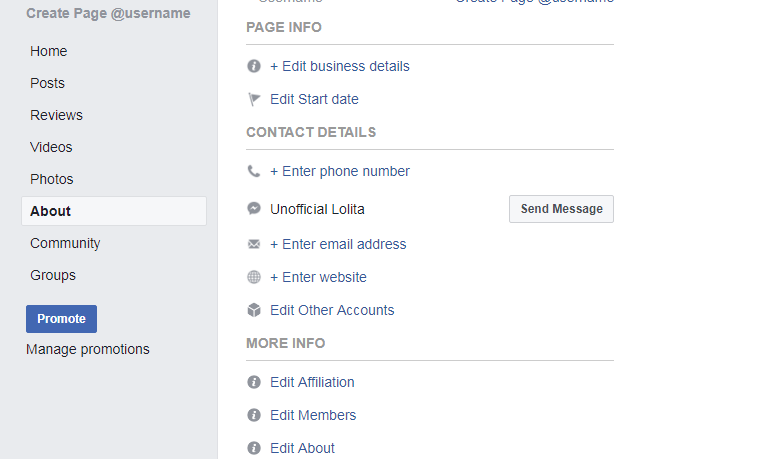
Comprehensive Guide to Creating a Facebook Fan Page
In today’s digital age, having a strong online presence is essential for businesses and individuals alike. One of the most effective ways to achieve this is through the creation of a Facebook Fan Page. In this article, we will guide you step-by-step on how to create a Facebook Fan Page that stands out and attracts followers.
Why Create a Facebook Fan Page?
Facebook remains one of the largest social media platforms, boasting billions of active users. A fan page provides an opportunity to connect with your audience, build brand loyalty, and promote your products or services. Unlike personal profiles, fan pages offer various tools and features tailored for businesses, allowing for better engagement and analytics.
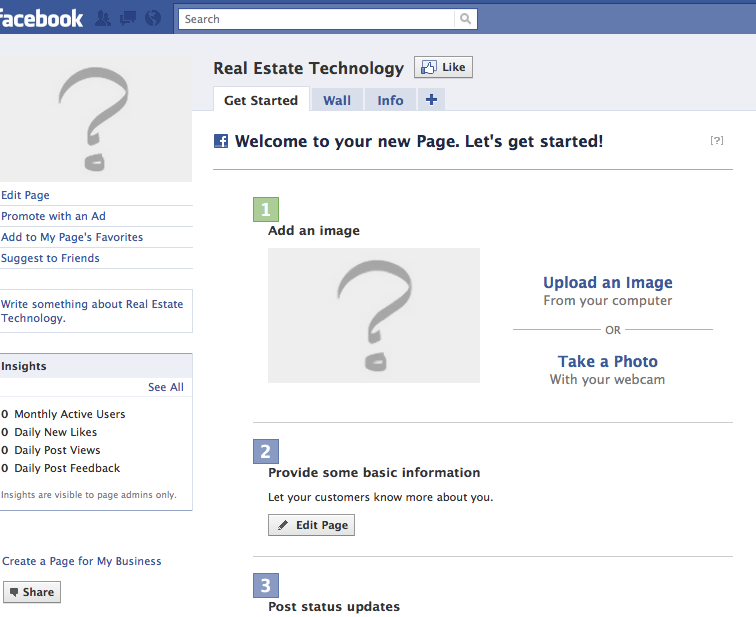
Step 1: Setting Up Your Page
The first step in creating a Facebook Fan Page is to

have a personal account. You cannot create a fan page without a personal profile, but rest assured, your personal information will not be visible to the public unless you choose to share it.
- Log in to Facebook and click on the “Create” button located at the top right corner of your homepage.
- Select “Page” from the dropdown menu.
- Choose a category that best fits your business or brand. You will have two primary options: “Business or Brand” or “Community or Public Figure.”
Step 2: Filling Out Your Page Information
Once you have chosen a category, you will need to fill out the basic information for your page:
- Page Name: This should be the name of your brand or business. Choose a name that is memorable and easily associated with what you offer.
- Category: This could be anything from retail to entertainment, depending on your business type.
- Description: Write a brief description of your business, highlighting what you offer and what sets you apart.
Completing these details accurately will make it easier for users to find and understand your page.
Step 3: Customizing Your Page
The visual aspect of your Facebook Fan Page is critical for attracting and retaining followers. Customizing the look of your page involves uploading profile and cover photos:
- Profile Picture: Use your business logo or a professional image that represents your brand.
- Cover Photo: This space is larger and can be used to showcase promotions, upcoming events, or simply a captivating image related to what you do.
Step 4: Adding Call-to-Action (CTA) Buttons
Facebook offers several CTA buttons that can help encourage user engagement. These buttons can direct visitors to your website, allow them to book a service, or send you a message directly. Consider which action you want your audience to take and set it as your CTA button.
Step 5: Creating Quality Content
Content is king on social media. To keep your audience engaged, you need to post regularly and provide valuable information. Here are some content ideas:
- Blog posts related to your industry
- Behind-the-scenes looks at your business
- User-generated content showcasing happy customers
- Promotions and special offers
Make sure to interact with comments and messages promptly to build a sense of community on your page.
Step 6: Promoting Your Fan Page
After your page is live, it’s time to promote it. Here are some strategies:
- Share Your Page: Invite your friends and connections to like your page and share it in your personal network.
- Engage with Other Pages: Comment on and engage with related businesses or community pages to attract attention to your own.
- Utilize Facebook Ads: Invest in Facebook advertising to reach a wider audience who may be interested in your offerings.
Step 7: Analyzing Your Page Performance
Facebook provides tools for analyzing how well your page is doing through its Insights feature. Monitor metrics such as:
- The number of likes and follows
- Post engagement rates
- Demographic information of your audience
Use these insights to adjust your content strategy and better engage your followers.
Conclusion
Creating a Facebook Fan Page is an essential step for anyone looking to build their brand’s online presence. By following these steps, you can create a professional page that attracts followers, fosters engagement, and ultimately drives sales. Remember that consistent quality content and meaningful interaction with your audience are key components of success on this platform.
For more detailed information about creating and managing a Facebook Fan Page, check this resource: Facebook Fan Page: Creation and Setup for a Clean Start https://crazyfb.shop/en/page/fan-page-v-facebook-sozdanie-i-zapolnenie-dlya-akkuratnogo-starta.

